
How to Check Your Jimmy John’s Gift Card Balance: Online, Phone & In-Store Guide
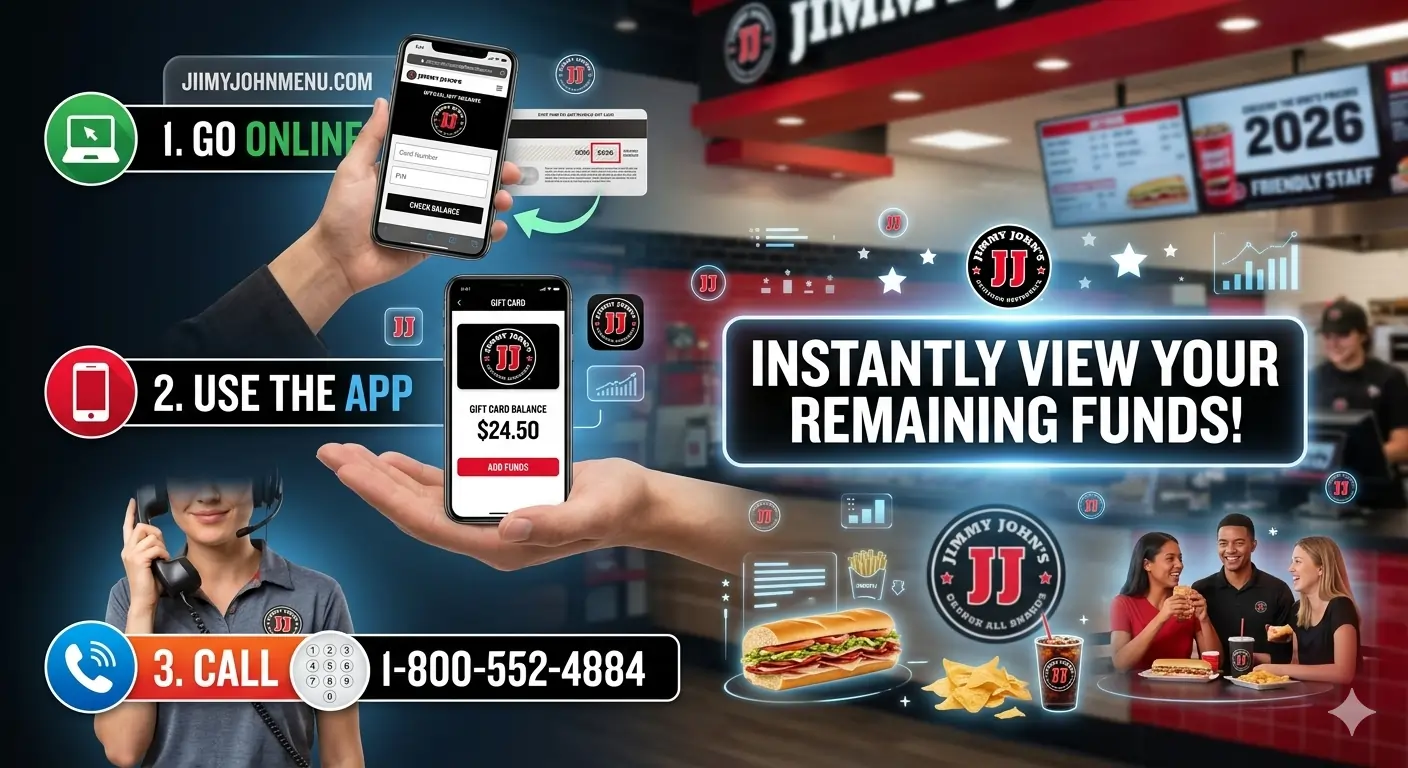
Holding onto a Jimmy John’s gift card and wondering if you have enough for a giant Beach Club® or a classic Vito®? Verifying your remaining funds is quick and straightforward. Whether you have a physical plastic card or a digital e-gift card, you can check your balance in seconds through three primary methods: online through the official portal, by phone, or in person at any restaurant register.
Before you start, make sure you have your card details handy. You will need the 16-digit gift card number and, for online inquiries, the security code or PIN located under the silver scratch-off protective film on the back of your physical card (or listed directly on your e-gift card email).
Already have a card?
Check Out Your Options
Check your balance or reload your card.
What Is a Jimmy John’s Gift Card?
A Jimmy John’s gift card is a prepaid card that can be used to pay for food and drinks at participating restaurants, through the mobile app, or online orders. These cards usually come with a 16-digit card number and a PIN, which are required when checking the remaining balance.
Gift cards are popular because they are easy to give as gifts and can be used for dine-in, takeout, or delivery orders.
How to Check Jimmy John’s Gift Card Balance
There are three simple methods to check your card balance.
Method 1: Check Your Jimmy John’s Gift Card Balance Online (Fastest)
The easiest way to verify your gift card balance is through the official online balance checker.
Steps to check online
- Open your web browser.
- Go to the Jimmy John’s gift card balance page: jimmyjohns.com/giftcardbalance.
- Carefully type your 16-digit gift card number into the designated field.
- Gently scratch off the silver protective film on the back of your physical card using a coin to reveal your Security Code (PIN), and type it into the PIN field.
- Complete the CAPTCHA security verification and click the “Check Balance” button to instantly see your remaining dollar amount.
Your remaining balance will appear instantly on the screen.
This method works for both physical gift cards and digital gift cards.
Digital Wallet Tip: If you frequently order online, you can add your digital gift card details directly into Apple Wallet or Google Wallet via the confirmation link in your e-gift card email. This lets you monitor your live balance right from your smartphone.
Method 2: Check Balance In-Store at the Register
If you are already planning to visit a Jimmy John’s store for a quick lunch, you can verify your balance directly at the register before placing your order.
- Ask the Cashier: Hand your physical plastic gift card or display your digital e-gift card barcode on your phone to the cashier. Request a quick “Balance Inquiry” before you order.
- POS Terminal Readout: The cashier will scan your card through their Point-of-Sale (POS) terminal, and your available funds will appear on the register screen and print out on a balance slip.
- Check Your Past Receipt: If you previously used your gift card at Jimmy John’s, take a look at the bottom of your itemized receipt. Jimmy John’s register receipts automatically print your remaining gift card balance at the bottom whenever a card is used for partial or full payment.
Method 3: Check Balance Over the Phone
If you do not have an active internet connection, or if the silver scratch-off coating on the back of your card was damaged and made the PIN unreadable, calling customer support is your best alternative.
- Dial the official Jimmy John’s gift card balance support line at 1-866-276-6302.
- Listen to the automated system prompts and select the option for “Gift Card Inquiries” or “Check Card Balance.”
- Use your phone keypad to enter your 16-digit gift card number when prompted.
- The automated voice assistant will read back your exact remaining card balance.
Customer support can also help if your card is not working or showing incorrect information.
Tips When Checking Your Gift Card Balance
To avoid problems, keep these tips in mind:
- Always keep your gift card number and PIN secure.
- Check your balance before placing a large order.
- Save your purchase receipt for reference.
- Treat your gift card like cash because lost cards may not be replaced.
How to Add & Use a Jimmy John’s Gift Card for Online Orders
Ready to satisfy your sandwich craving? Redeeming your gift card for pickup or delivery through the website or mobile app is simple:
- Log into your account or check out as a guest on
jimmyjohns.comor inside the official Jimmy John’s Mobile App. - Build your meal by adding your favorite sandwiches, drinks, sides, and famous Jimmy Chips® to your bag.
- Proceed to the Checkout screen.
- Under the Payment Method section, select “Add Gift Card” (or “Redeem Gift Card”).
- Enter your 16-digit card number and PIN, then click Apply.
If your order total exceeds your gift card balance, the system will apply the full card amount first and allow you to pay the remaining balance using a credit card, debit card, or secondary payment method.
Stacking with Freaky Fast Rewards®
Paying with a gift card does not mean missing out on loyalty perks! As long as you are logged into your Freaky Fast Rewards® account while placing your order, you will earn full reward credits on every dollar spent, regardless of whether you pay with cash, credit, or a Jimmy John’s gift card.
How to Reload a Jimmy John’s Gift Card
If you have a favorite physical gift card or want to keep a digital wallet balance ready for quick weekday lunches, reloading funds is simple.
- Online Reloads: Log into your account on the official website, navigate to the Gift Card tab, select “Reload Card,” enter your card number, and select the amount you wish to add using a registered credit or debit card.
- In-Store Reloads: Bring your physical card to any participating Jimmy John’s register and ask the team member to add funds (typically in any custom increment between $5 and $100).
- Corporate & Bulk Purchases: Businesses looking to buy gift cards for employee incentives, corporate events, or client appreciation can utilize Jimmy John’s bulk purchasing program directly through their corporate online portal.
Common Gift Card Issues
Sometimes users may face small issues while checking or using gift cards.
Card Not Showing Balance
Make sure the card number and PIN are entered correctly.
Card Not Activated
Some cards must be activated at the store during purchase.
Online Order Problems
If the gift card does not cover the full order amount, you may need to pay the remaining balance with another payment method.
Security Tip: Stay Safe from Scams
To protect your money, always keep these points in mind:
- Official Sources Only: Never enter your gift card details on any website other than the official Jimmy John’s site or app.
- Keep Your PIN Secret: Jimmy John’s employees will never ask for your PIN over social media or text.
- Protect the Card: Treat your gift card like cash. Lost or stolen cards are usually not replaceable, so keep them in a safe place.
Frequently Asked Questions (FAQs)
Do Jimmy John’s gift cards expire or have maintenance fees?
No. Jimmy John’s gift cards do not expire, nor do they charge monthly dormancy, service, or inactivity fees over time. The full dollar value remains on the card until used.
Can I use a Jimmy John’s gift card on DoorDash, UberEats, or Grubhub?
No. Jimmy John’s gift cards are strictly redeemable directly through official company channels. This includes physical Jimmy John’s restaurant locations, online at jimmyjohns.com, or via the official Jimmy John’s mobile app. Third-party delivery apps cannot process branded fast-food gift cards.
Can you check a Jimmy John’s gift card balance without a PIN?
Checking your balance online strictly requires a PIN for security validation. If your card does not have a PIN or the PIN is unreadable, you must check your balance in-store at a register or speak directly with customer support over the phone.
How do I check my Jimmy John’s gift card balance online?
You can check it by visiting the official balance checker and entering your gift card number and PIN.
Can I check my gift card balance in the store?
Yes. Simply visit a participating Jimmy John’s location and ask a staff member to check it.
Can Jimmy John’s gift cards be used for online orders?
Yes, gift cards can be used for online, delivery, and in-store purchases depending on the restaurant location.
What should I do if my gift card doesn’t work?
Contact customer support or visit the restaurant where the card was purchased.
Final Thoughts
Checking your Jimmy John’s gift card balance only takes a few minutes and helps ensure a smooth ordering experience. Whether you check it online, by phone, or in person, knowing your balance beforehand makes it easier to plan your meal and avoid surprises at checkout.
Before your next sandwich order, take a moment to verify your gift card balance so you can enjoy your favorite menu items without any hassle.